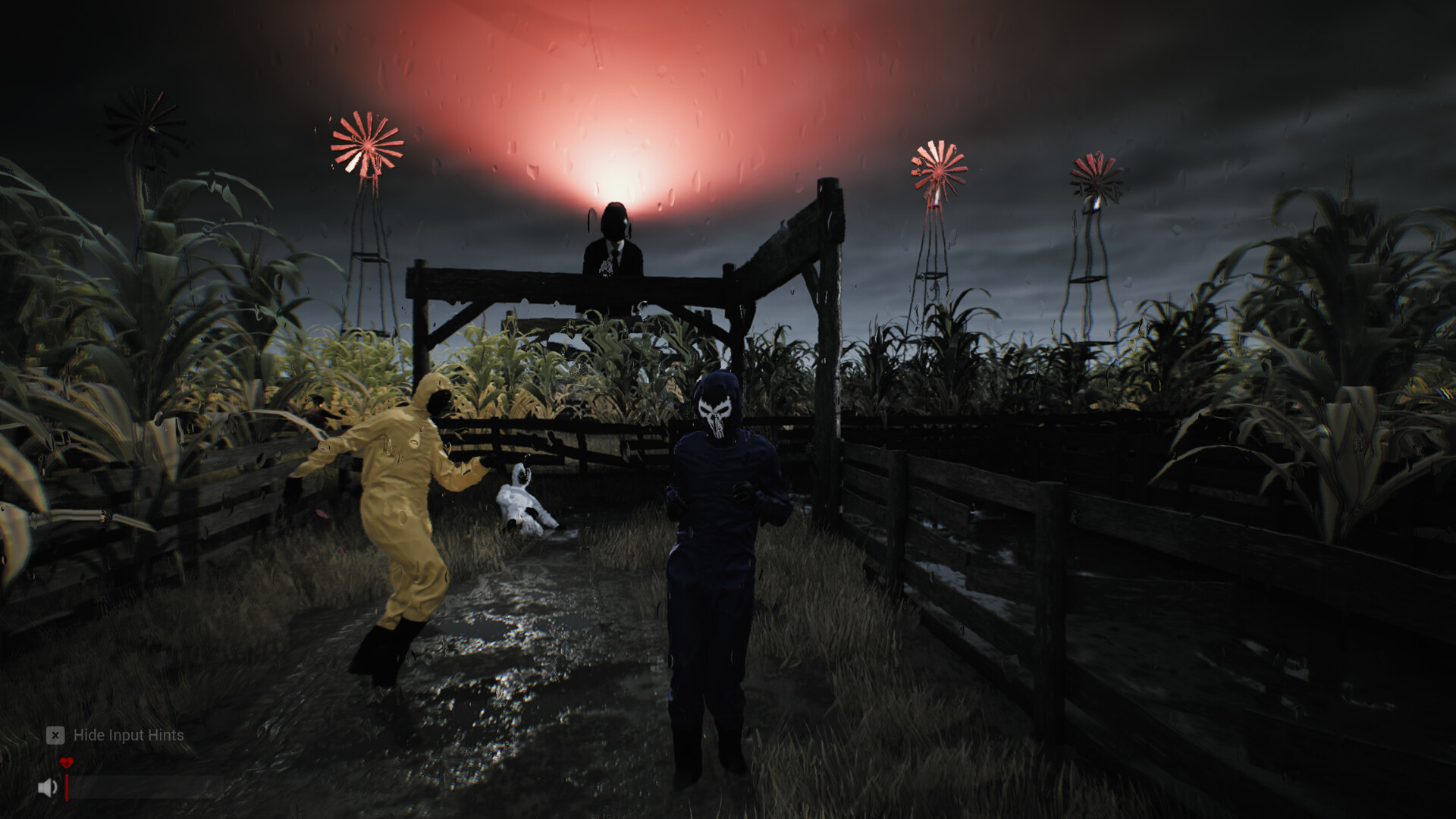
Sector 13: Haunted Woods anomalies: how the detector works
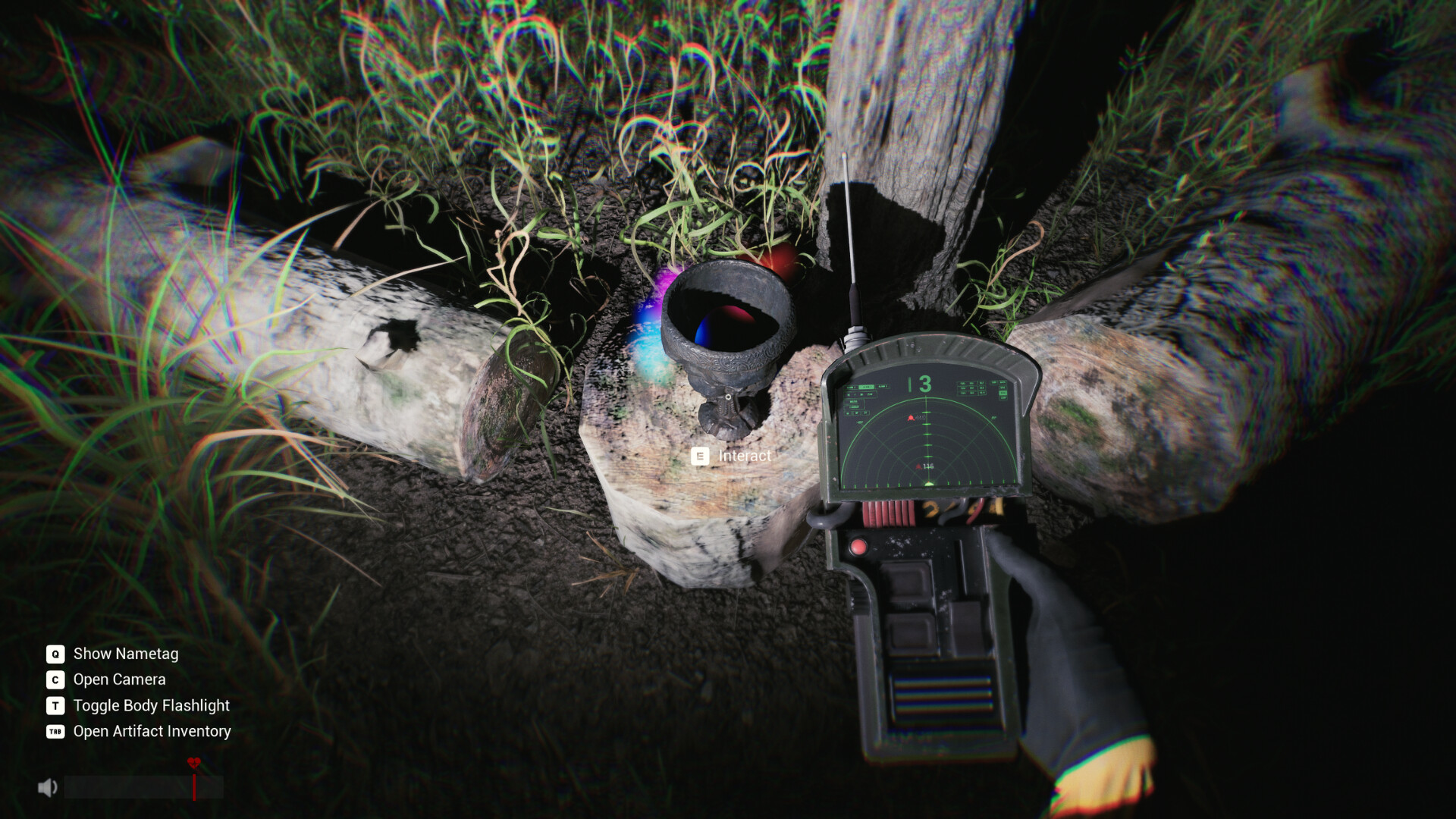
Scan with the Anomaly Detector. If it stays quiet, use the Artifact Finder’s location card to pick a new stop. Take a photo with C and check the Anomaly Counter before leaving.
Anomalies are the signals that brought you into Sector 13 — points still emitting abnormal activity. What matters is how the detector behaves, because this is where players get stuck.
What the Detector actually does
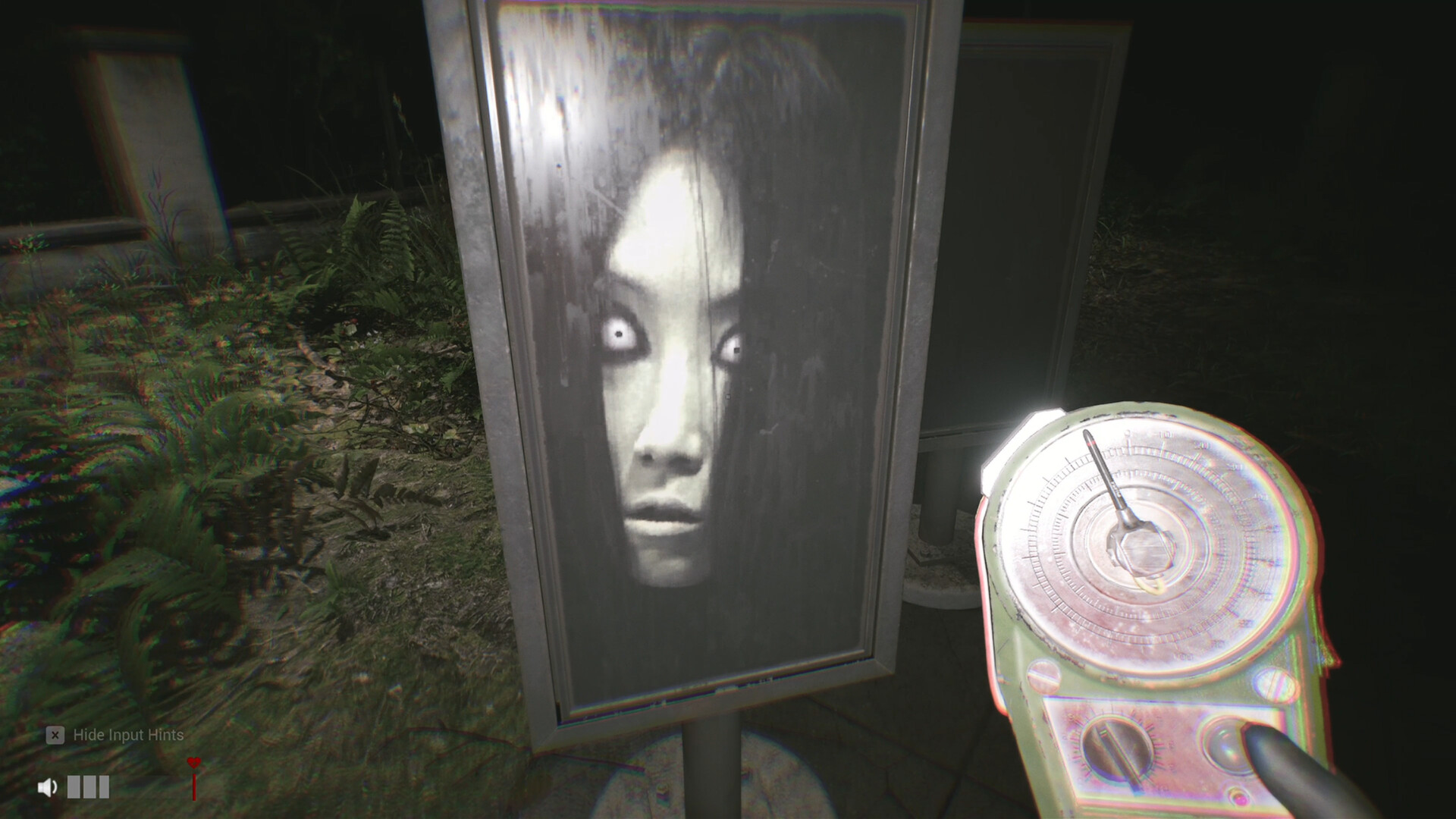
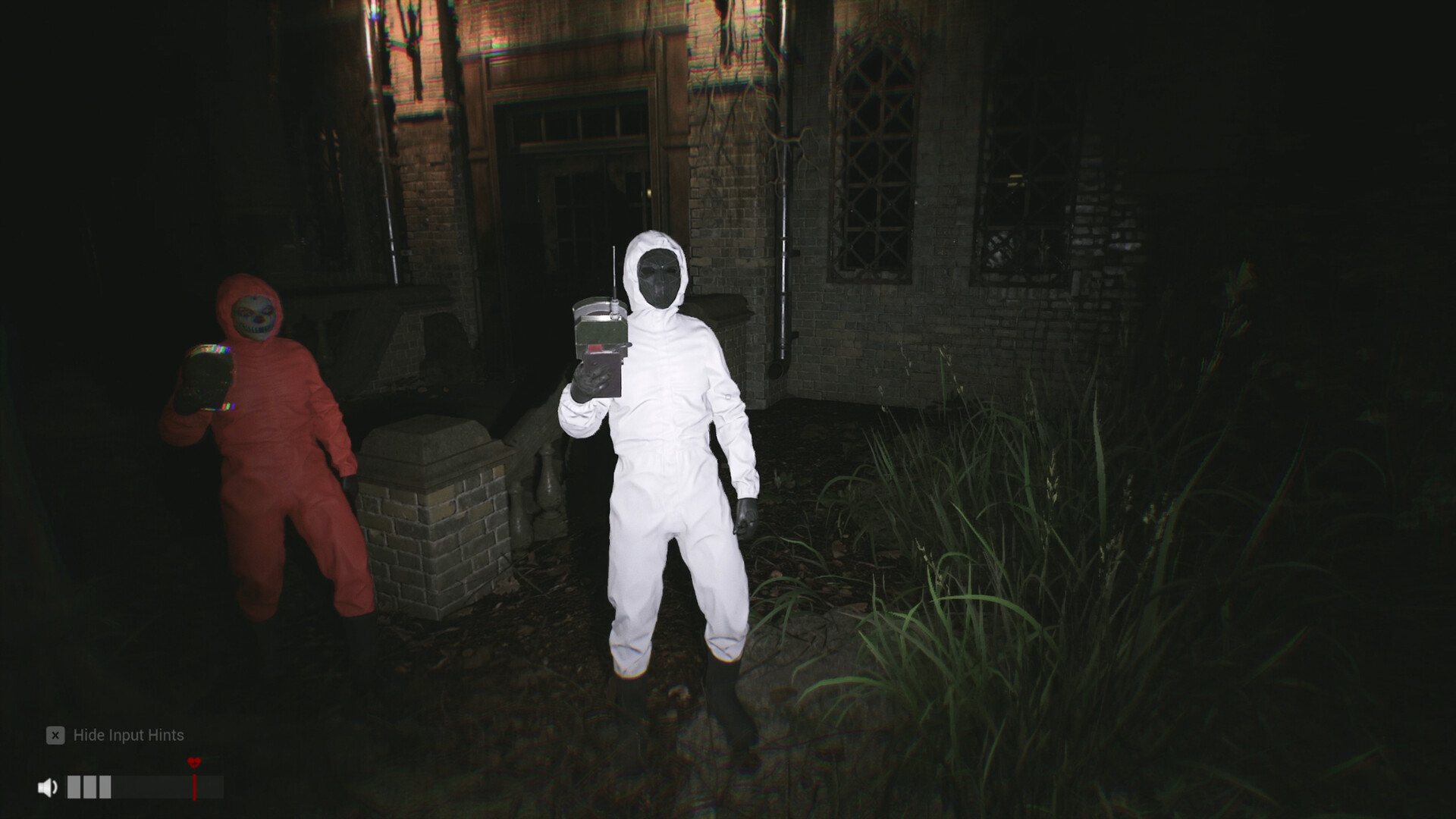
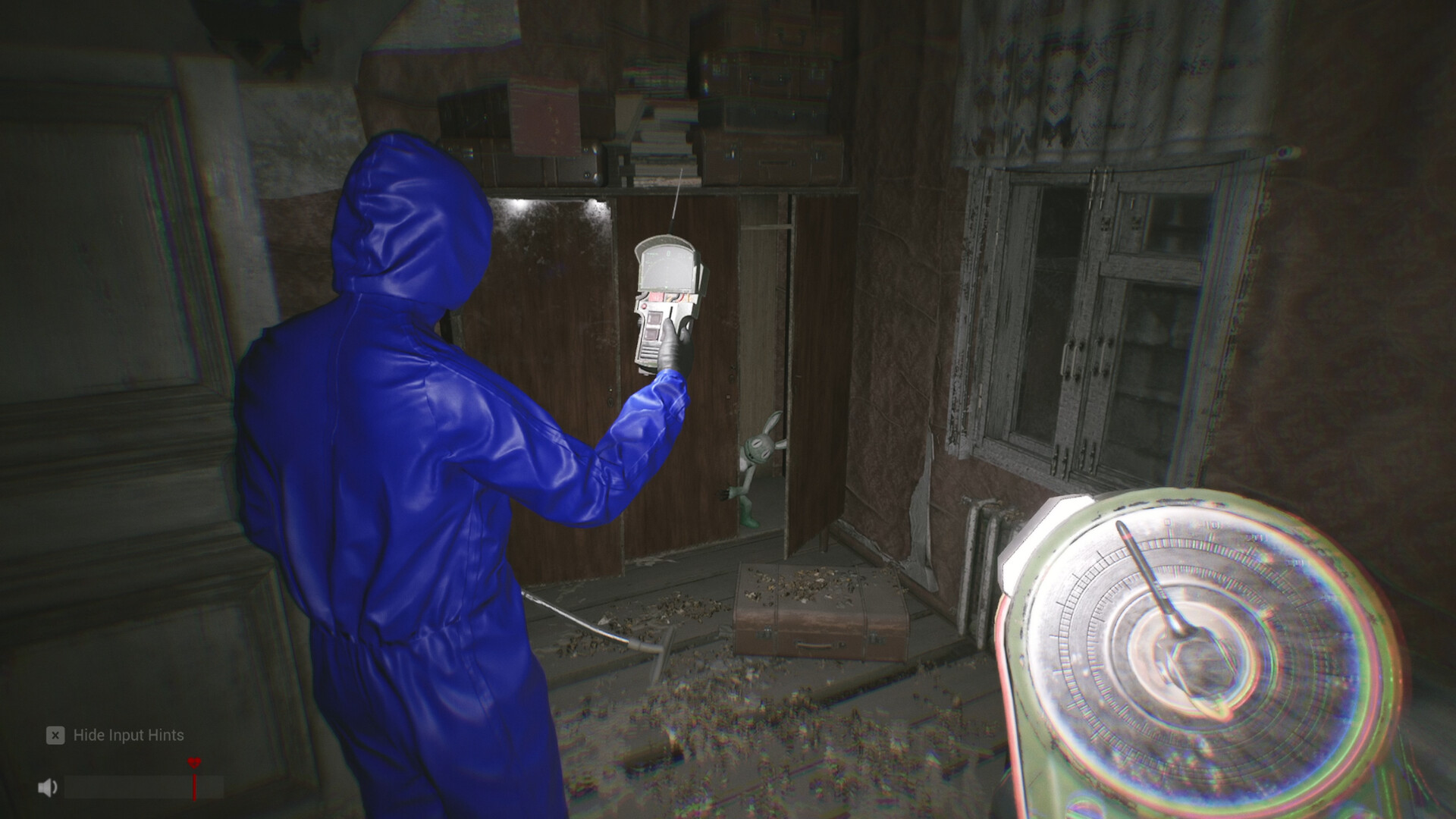
The store page names the tool: the ANOMALY DETECTOR "detects Anomalies in the surrounding area." Official screenshots show a needle dial reading mG.
From the studio's reply to a player who could not find any anomaly points:
The Anomaly Detector only shows a clear reaction when there is an Anomaly nearby. If there is no signal for now, use the Artifact positioning device to travel to new coordinates, then keep searching around that area.
Read that as the loop: detector silent → Artifact Finder → move → scan again.
The hunting loop
- Scan where you stand. If it stays quiet, move a short distance and scan again — it reacts clearly when an anomaly is close.
- Reposition with the other tool. The Finder's coordinates pull you toward fresh territory, and anomalies cluster near what you pass.
- Work the location. Abnormal points are tied to places — the demo's buildings, station, mansion and grounds all carry activity. Camera views (
C) give a safer look before walking in.
Reading the instrument
| Reading | Meaning |
|---|---|
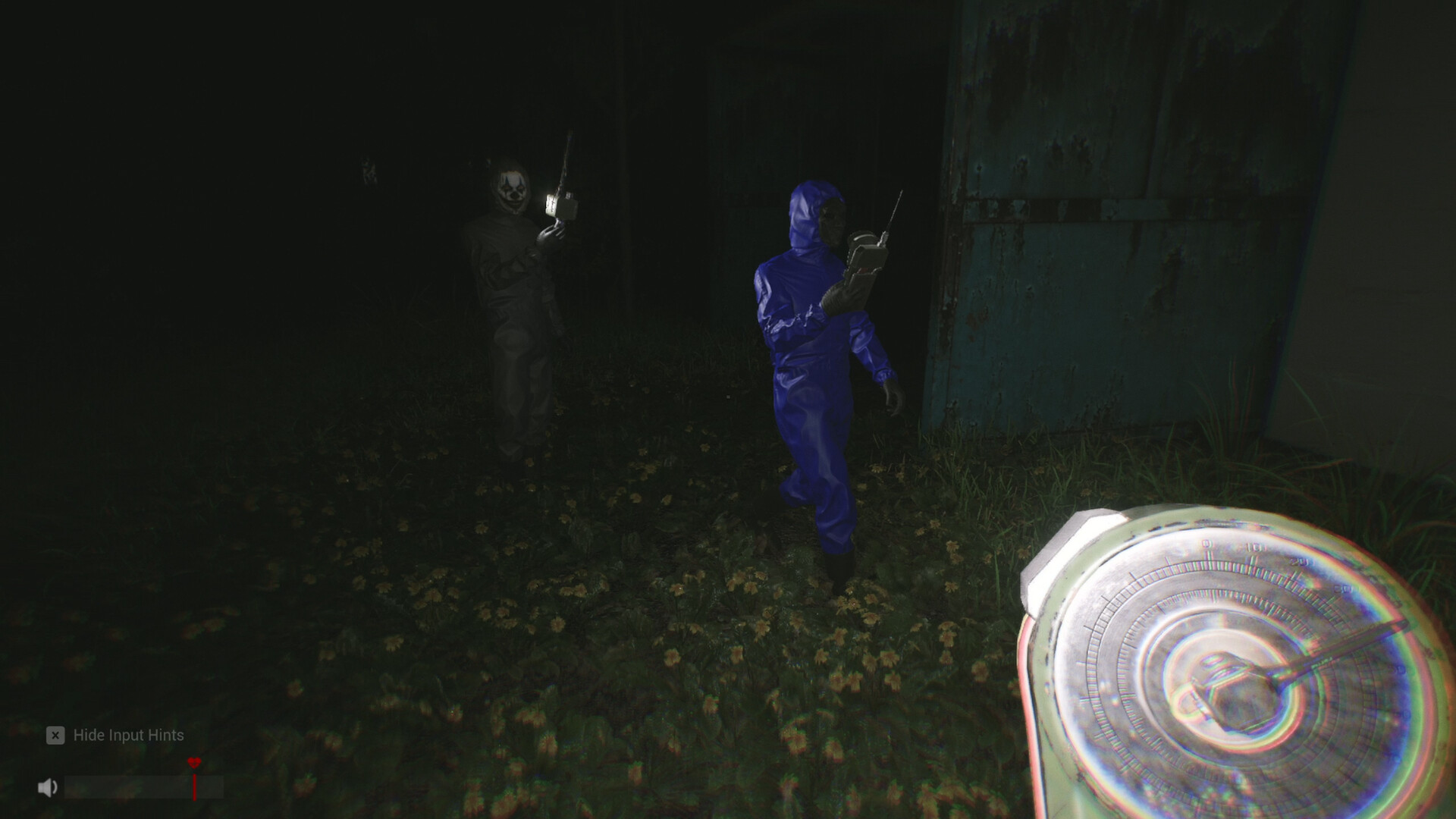
| Needle sweeping, number climbing | You are closing on what the device tracks |
| Steady low values, no sweep | Nothing nearby — relocate before concluding anything |
Patch changes for anomaly hunting
| Update | What it changed |
|---|---|
| V1.0.19 (Nov 22) | Fewer Anomalies to photograph at major locations; some spawn points relocated to make them easier to find. |
| V1.0.18 (Nov 15) | Counter and Detector now read only the zone you stand in — counts no longer bleed in from neighbouring areas. |
| V1.0.8 (Oct 5) | Counter began showing floors above and below in multi-level areas — narrowed to one zone in V1.0.18. |
| V1.0.1 (Sep 28) | Certain Anomalies became easier to find; the on-screen effect softened when The Codex Keeper or The Light Bunny targets you (notes). |
Finish the location before moving on
The Anomaly Counter shows how many are left. Since V1.0.18 both devices read only the zone you stand in, so walk into the next zone before deciding it is empty. If the detector goes quiet, pick your next stop with the Artifact Finder’s location card, then scan again.
When something looks off, open the camera with C and take a photo. For the 100-anomaly goal, see Case Closed?.
FAQ
Why does my anomaly detector not do anything?
Because nothing is within range — it only reacts when an Anomaly is nearby. Travel with the Artifact Finder, then search there.
What unit is the mG number?
Milligauss — magnetic field strength, the label on the device screen itself.
Are anomalies dangerous by themselves?
Keep your team close and limit callouts while lining up a photo at night. First-run guide
Will the full game add more anomalies?
Yes — the studio confirmed more anomaly areas and creatures for the full release, which launched September 25, 2026.
All guides8
How to play Sector 13: Haunted Woods
Sector 13: Haunted Woods voice chat not working? Mic setup & fixes
Sector 13: Haunted Woods artifacts: finder, inventory and keys
Sector 13: Haunted Woods controls & best settings
Sector 13: Haunted Woods patch notes & updates
Sector 13 co-op not working? How to fix "can't join friend's room"
Sector 13: Haunted Woods achievements & completion guide