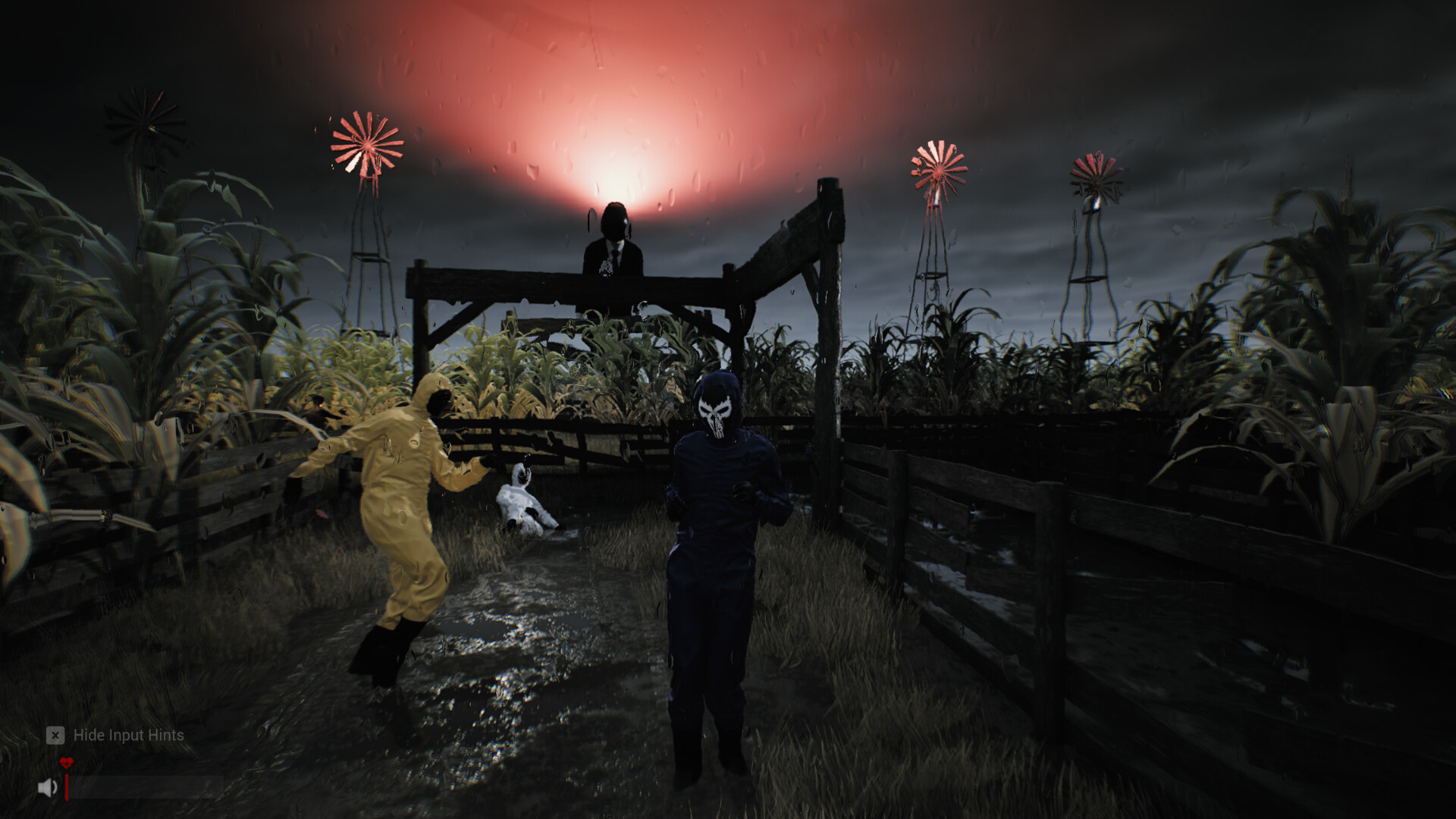
Sector 13: Haunted Woods controls & best settings
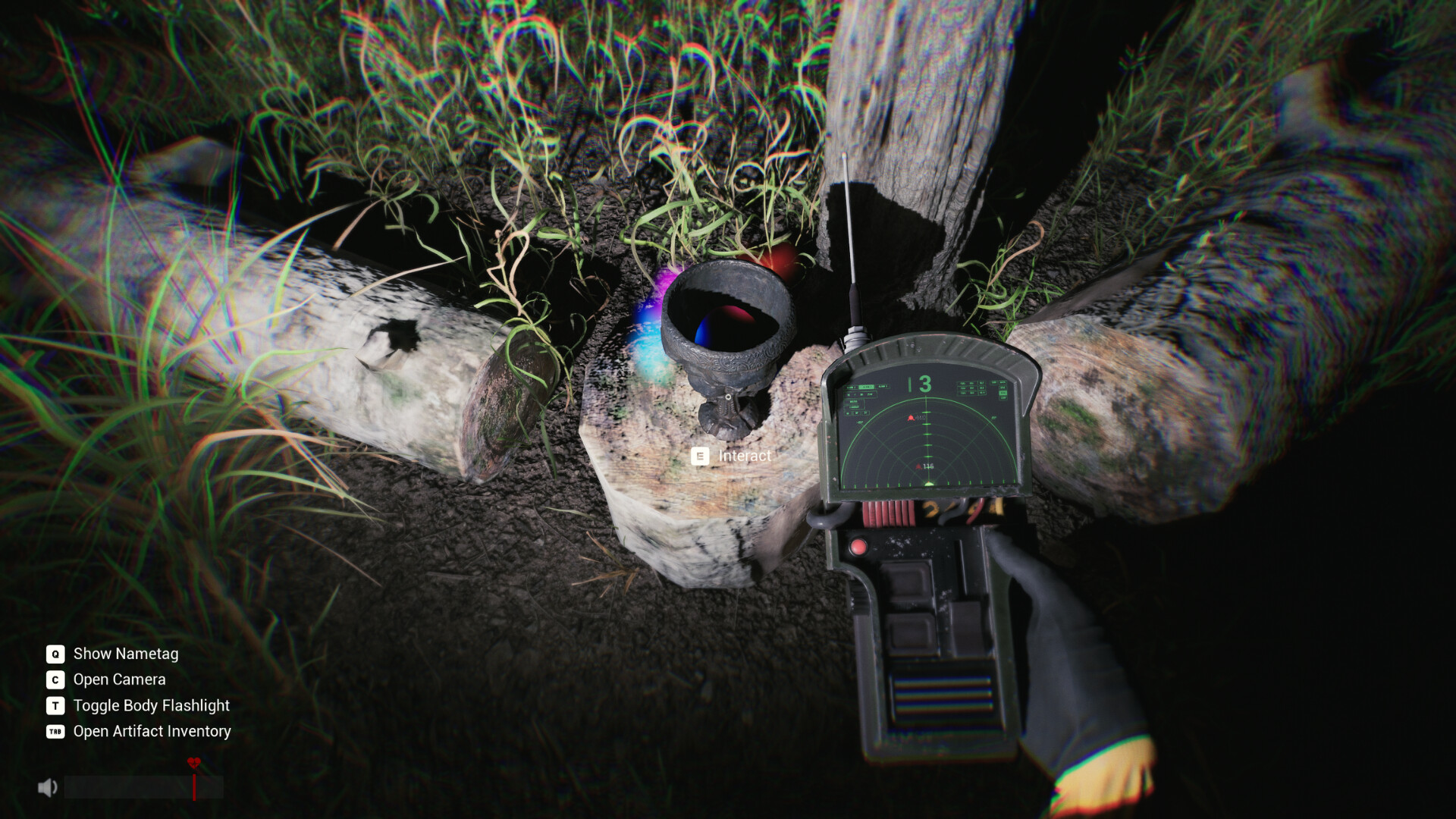
Verified keys: E interact, Q nametag, C camera, T body flashlight, TAB artifact inventory, G drop. For smooth frames the studio recommends starting at 1080p with Medium graphics settings.
Every key on this page is either printed in an official screenshot or named by the studio in a reply on the official Steam discussion board — nothing here is guessed from similar games.
Controls
| Key | Action | Source |
|---|---|---|
E | Interact (pick up, open, collect) | Official screenshot prompt |
Q | Show nametags | Official HUD hint list |
C | Open camera | Official HUD hint list |
T | Toggle body flashlight | Official HUD hint list |
TAB | Open Artifact Inventory | Official HUD hint list |
G | Drop held item | Studio reply (spare-key workaround) |
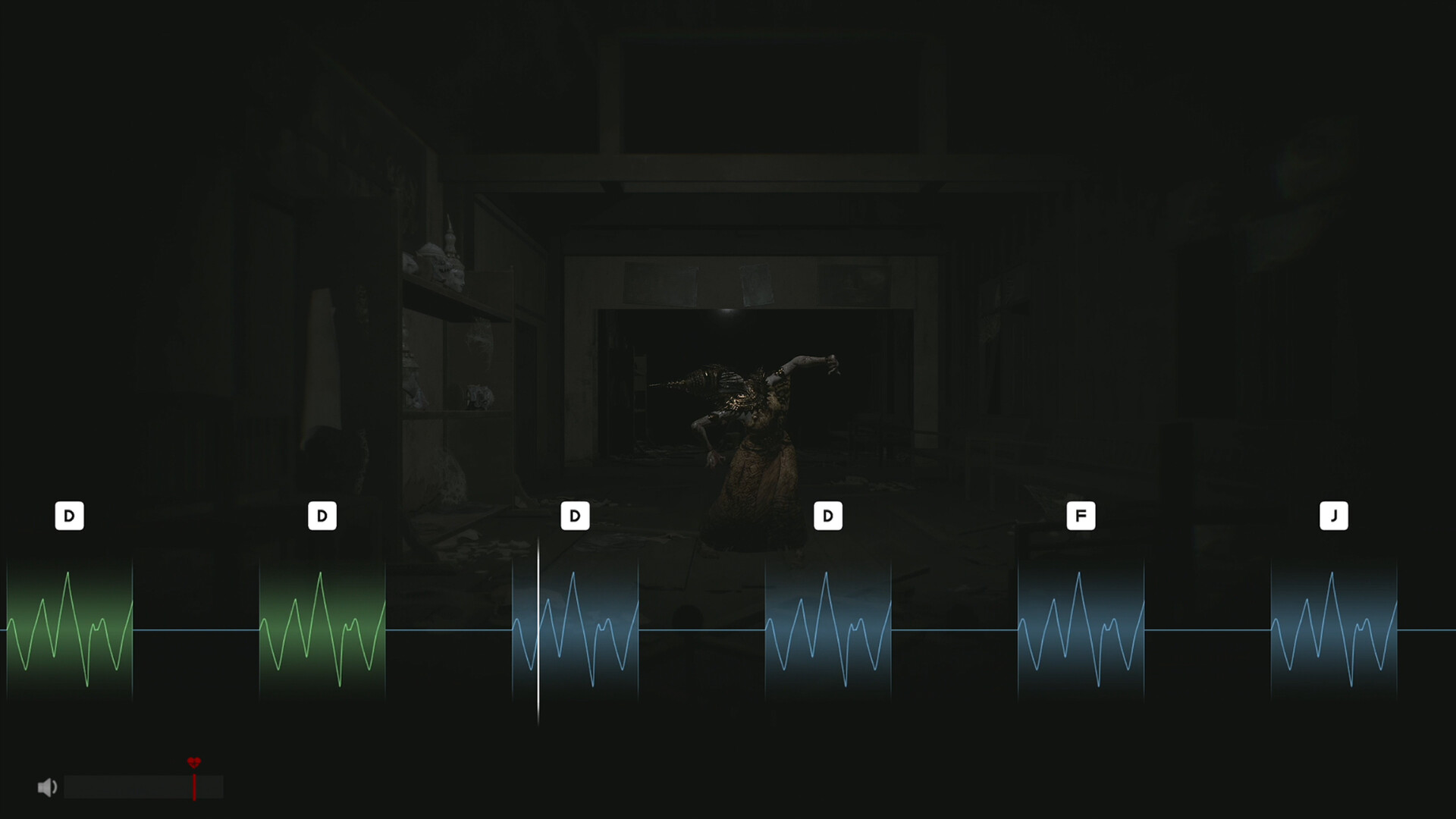
D F J style prompts | Keyed waveform interactions | Official screenshot (voice interaction) |
HUD readings, explained
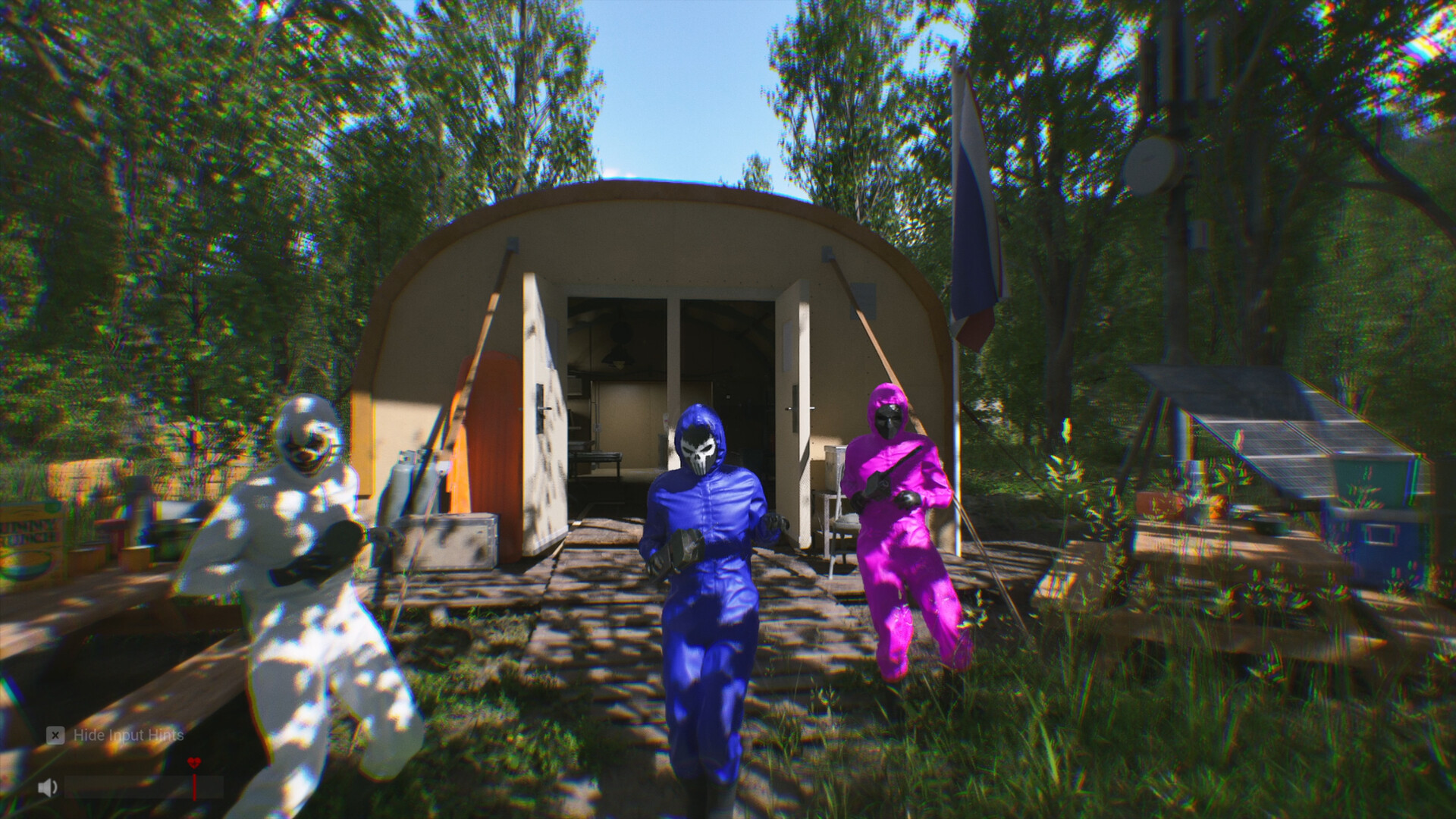
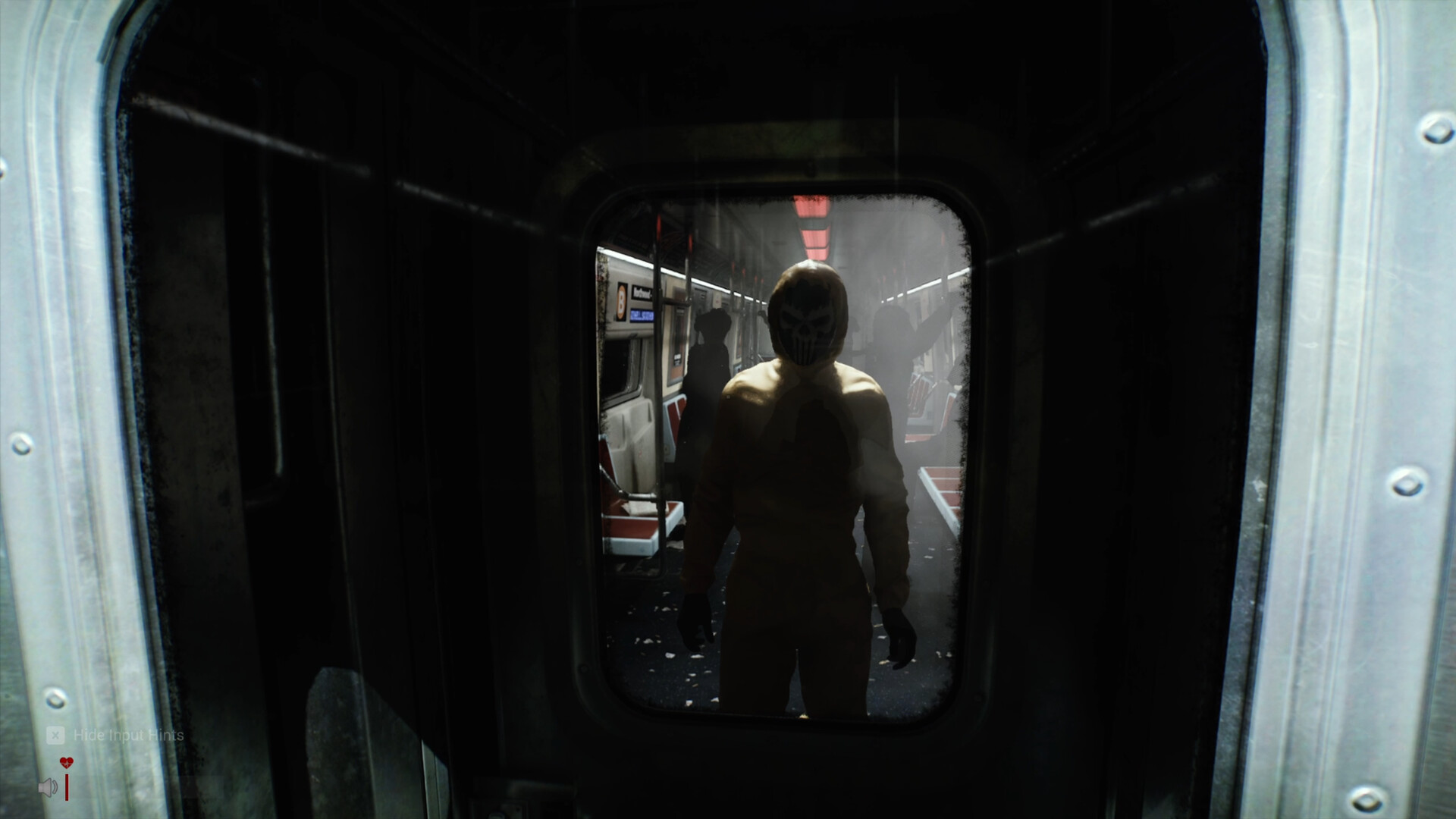
- Bottom-left key hints — the Q/C/T/TAB list stays visible until you hide input hints; players who hide it early often lose track of the camera key.
- Heart icons — health; going down is survivable if a teammate reaches you.
- Speaker icon + volume bar — your live voice level. This is the same meter the mic test calibrates against the red line.
- Detector screen — large central reading with the
mGunit and smaller secondary values around the dial. - Task list, top-left — thin white bordered objective list, visible in the official screenshots.
Graphics settings that the studio actually recommends
From the studio's own reply to a player on an RTX 3060 Ti:
- Start at 1080p resolution, Medium graphics quality.
- Adjust up or down from there based on your frame rate — the studio notes CPU, RAM and resolution all shift the result.
- The studio also states the full game further optimizes forest scenes and overall performance, so expect the demo to be the heaviest build.
Player-reported crash/stutter notes from the demo (logged by the studio, not fixed at time of checking): hitching on respawn, and heavy scenes during four-player sessions.
System requirements
| Minimum | Recommended | |
|---|---|---|
| OS | Windows 10 (64 bit) | Windows 11 |
| CPU | AMD Ryzen 7 3700X / Intel Core i7-6700 | AMD Ryzen 7 3800X / Intel Core i7-10700K |
| Memory | 16 GB RAM | 32 GB RAM |
| GPU | Radeon RX 5700 (8 GB) / GeForce RTX 1070 Ti (8 GB) | Radeon RX 6600 XT (8 GB) / GeForce RTX 3060 (12 GB) |
| DirectX | Version 12 | Version 12 |
| Storage | 20 GB (SSD recommended) | 30 GB (SSD recommended) |
| Network | Broadband internet | Broadband internet |
As listed on the Steam store page, checked September 24, 2026.
The menu-off-screen fix (official)
If buttons like the mic test's OK land off-screen on odd resolutions, the studio's fix:
`` -ResX=1920 -ResY=1080 -WINDOWED ``
Set it in Steam → Library → right-click the game → Properties → General → Launch Options, restart, finish the test, then pick your real 16:9 resolution in-game.
FAQ
How do I hide the control prompts?
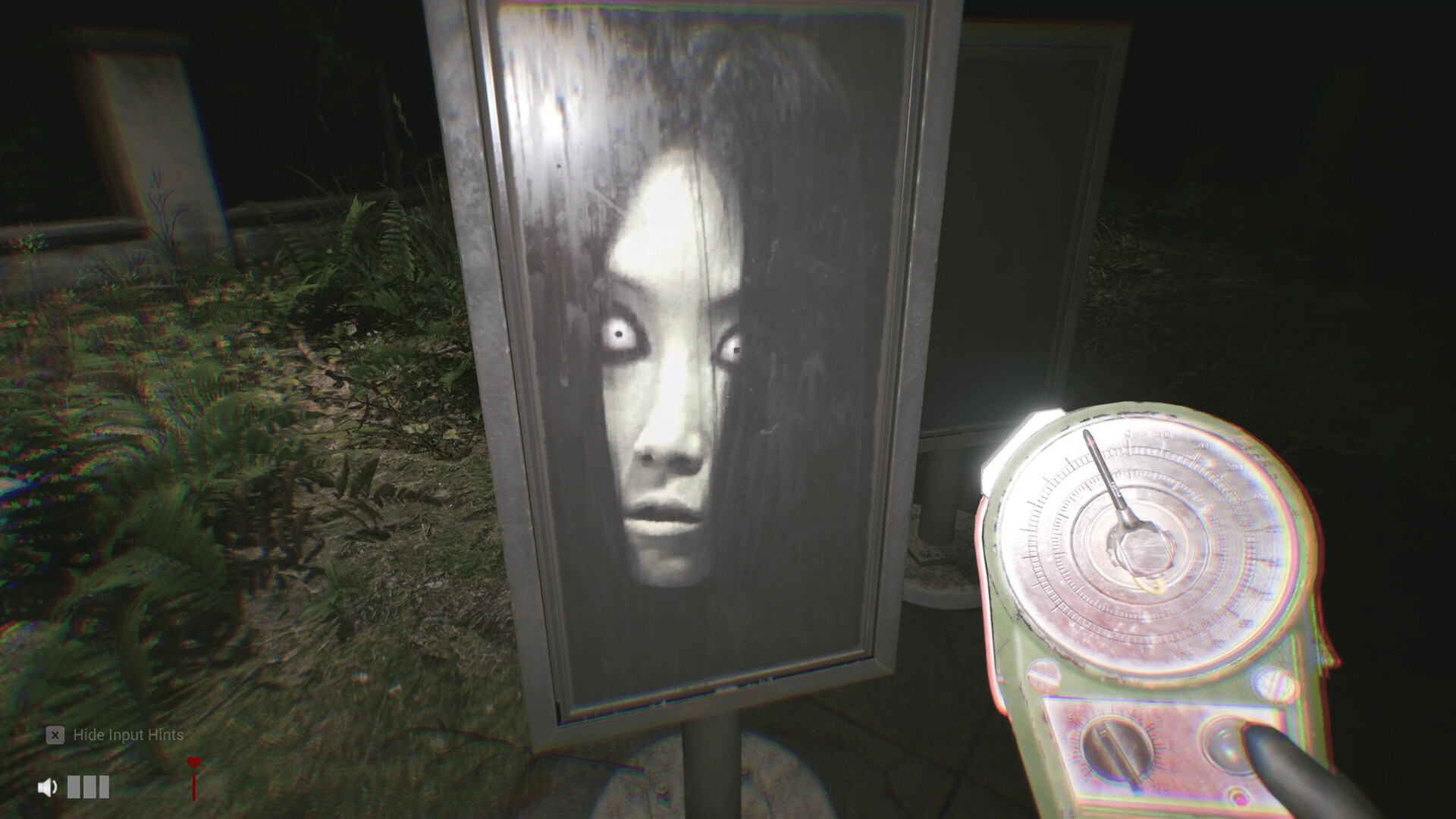
The HUD shows a Hide Input Hints toggle (visible bottom-left in official screenshots). Hiding hints does not disable the keys.
What is the mG number on my device?
Milligauss — the magnetic field reading used by your detectors. See anomaly hunting for how to act on it.
Which settings should I use on a mid-range PC?
The studio's own starting point: 1080p, Medium, then tune by frame rate. Full requirements are in the table above.
Are there keybind options?
Remapping options are not yet confirmed for the demo. Report anything you discover via contact.