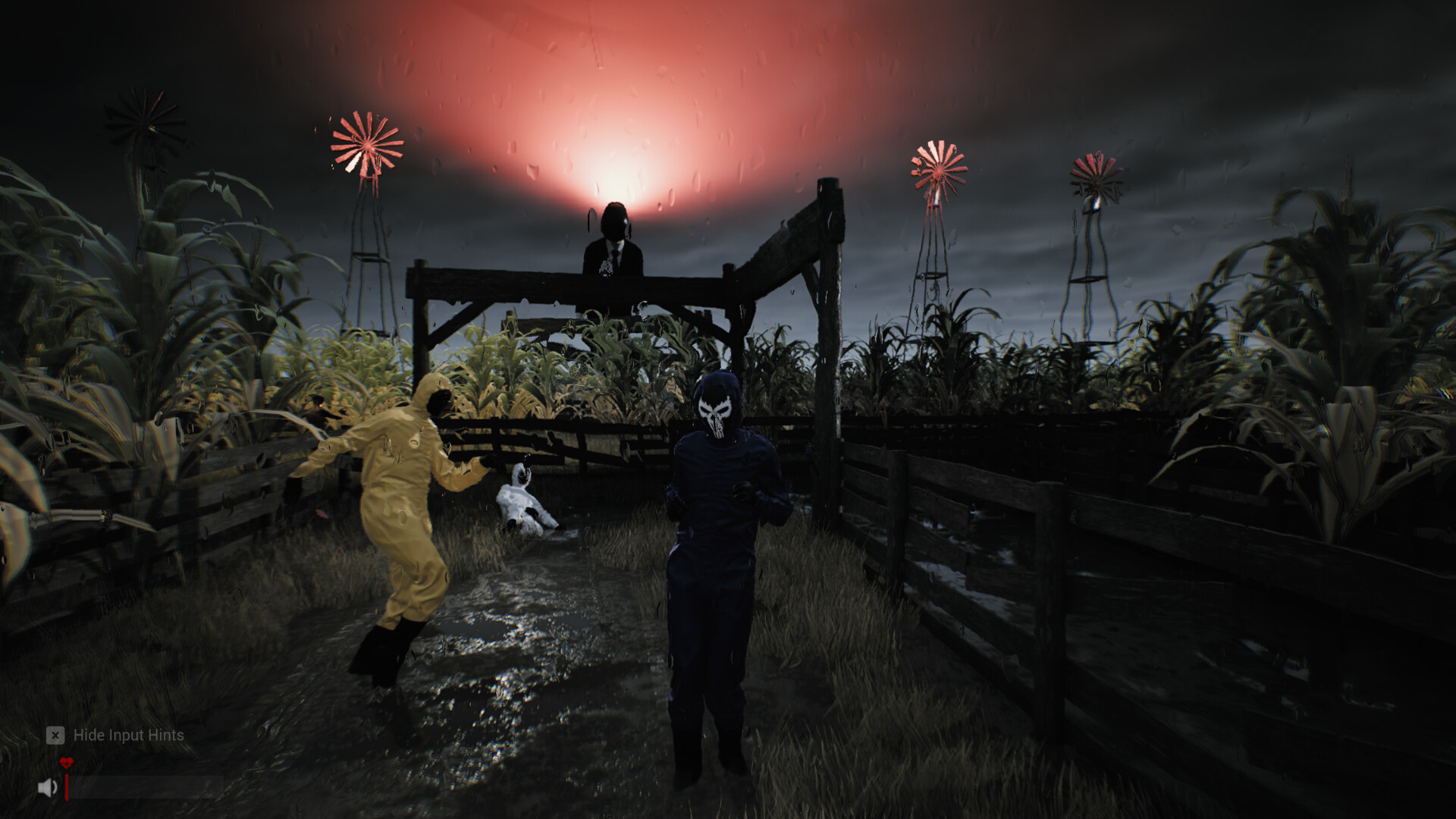
Sector 13: Haunted Woods artifacts: finder, inventory and keys
The Artifact Finder points you at nearby Artifacts: follow its coordinates, press E to recover the item, check it with TAB, and press G to drop anything you no longer need — spare keys included.
Artifacts are one of the two things the game sends you out for. This page covers the tool that finds them, the inventory that holds them, and the key problems demo players actually hit.
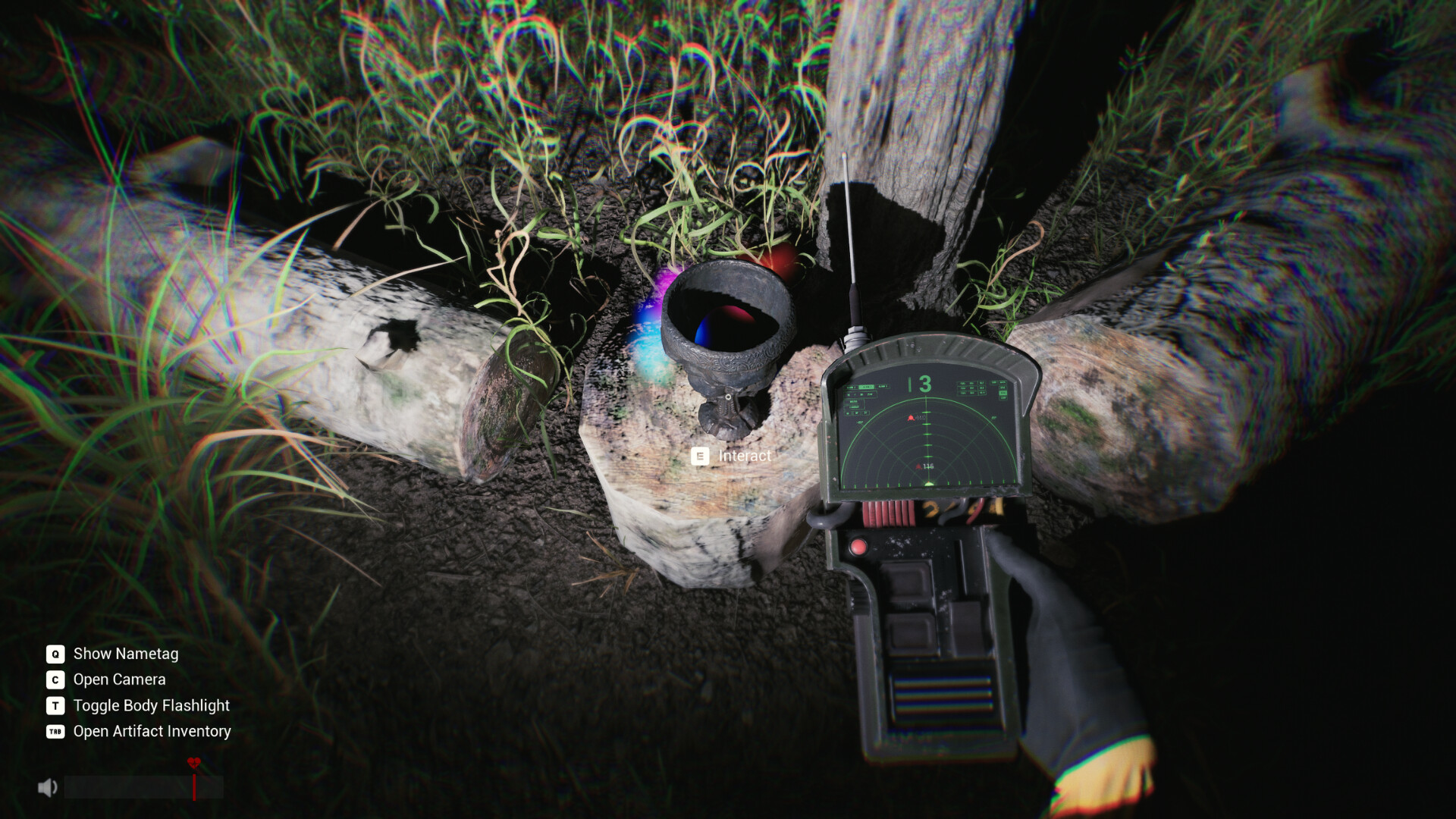
The Artifact Finder is your compass
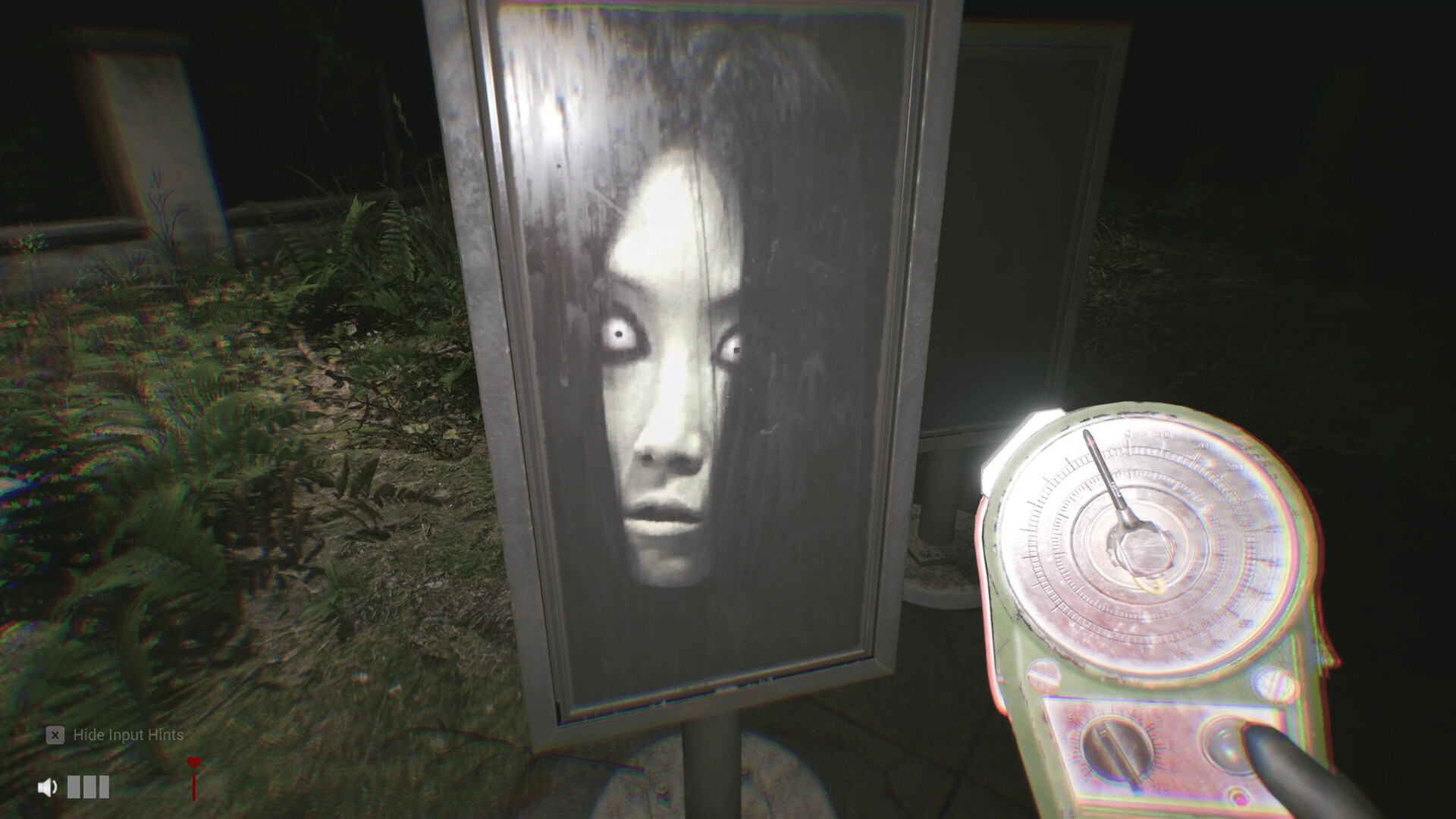
The store page lists your field equipment by name: the ARTIFACT FINDER "tracks the coordinates of nearby Artifacts." In practice it works like a second map marker — when you do not know where to go next, follow the finder instead of wandering.
The studio's own advice for a dead end (from their reply on the mic-bug thread) applies directly here: when one detector has no signal, switch to the other tool, travel to new coordinates, and search the area around them. The two devices are meant to be alternated.
Recovering an Artifact
- Follow the finder's coordinates to the site — glowing objects sit in the open or inside the demo's buildings.
- Get close and press
Ewhen the Interact prompt appears. Interaction distance is tight on small items like keys — players reported needing to stand almost on top of cabinets. - Open the inventory with
TAB(Open Artifact Inventory, per the official HUD) to confirm what you picked up. - Keep moving — standing still in the open at night is how teams get separated.
Dropping items and the spare-key mystery
| Situation | What to do |
|---|---|
| Inventory full of stuff you don't need | Press G to drop the held item |
| A leftover blue key with all blue doors already open | Drop it — the studio confirmed extra keys are placed on purpose so nobody gets stuck, it is not hidden content |
| Held item vanished but still shows in inventory | Switch items, or drop (G) and pick it up again — a logged demo bug |
| A used key still shows in the inventory | Also a logged display/sync bug — trust the lock, not the icon |
What we do not know yet
- The full list of Artifacts and their spawn points — not published anywhere official; this page will grow when the community documents them.
- Whether recovered Artifacts have an extraction or turn-in step — the demo's end-state for carried items is not yet confirmed by any source we trust.
FAQ
How do I see what I am carrying?
TAB opens the Artifact Inventory. The key prompt is baked into the official HUD screenshots.
How do I drop an item in Sector 13: Haunted Woods?
G drops the item you are holding. The studio suggested this exact workaround for vanished-handheld-item bugs, and confirmed leftover keys are safe to throw away.
Where are all the artifact locations?
There is no official location list yet. Use the finder's coordinates — and check back here once the full game (September 25, 2026) lets players map the open world.
Do artifacts respawn?
Not confirmed either way in the demo. Treat each run's finds as finite.