Sector 13: Haunted Woods voice chat not working? Mic setup & fixes
Pass the two-step mic test (shout over the red line, then speak normally for 3 seconds), then set both "Voice From You to Team" and "Voice From Team to You" to High or Very High with the white level bar at 100.
Voice chat is both the best feature of Sector 13: Haunted Woods and the demo's single biggest source of complaints. This page collects every official fix the studio has given on the Steam discussion board, in the order you should try them.
How voice actually works
Your real microphone feeds the game. Two separate systems use it:
- Team voice chat — you hear teammates and they hear you.
- Noise as danger — the game reads your volume; loud speech at night can attract threats, and the startup test calibrates both a shout and normal speech.
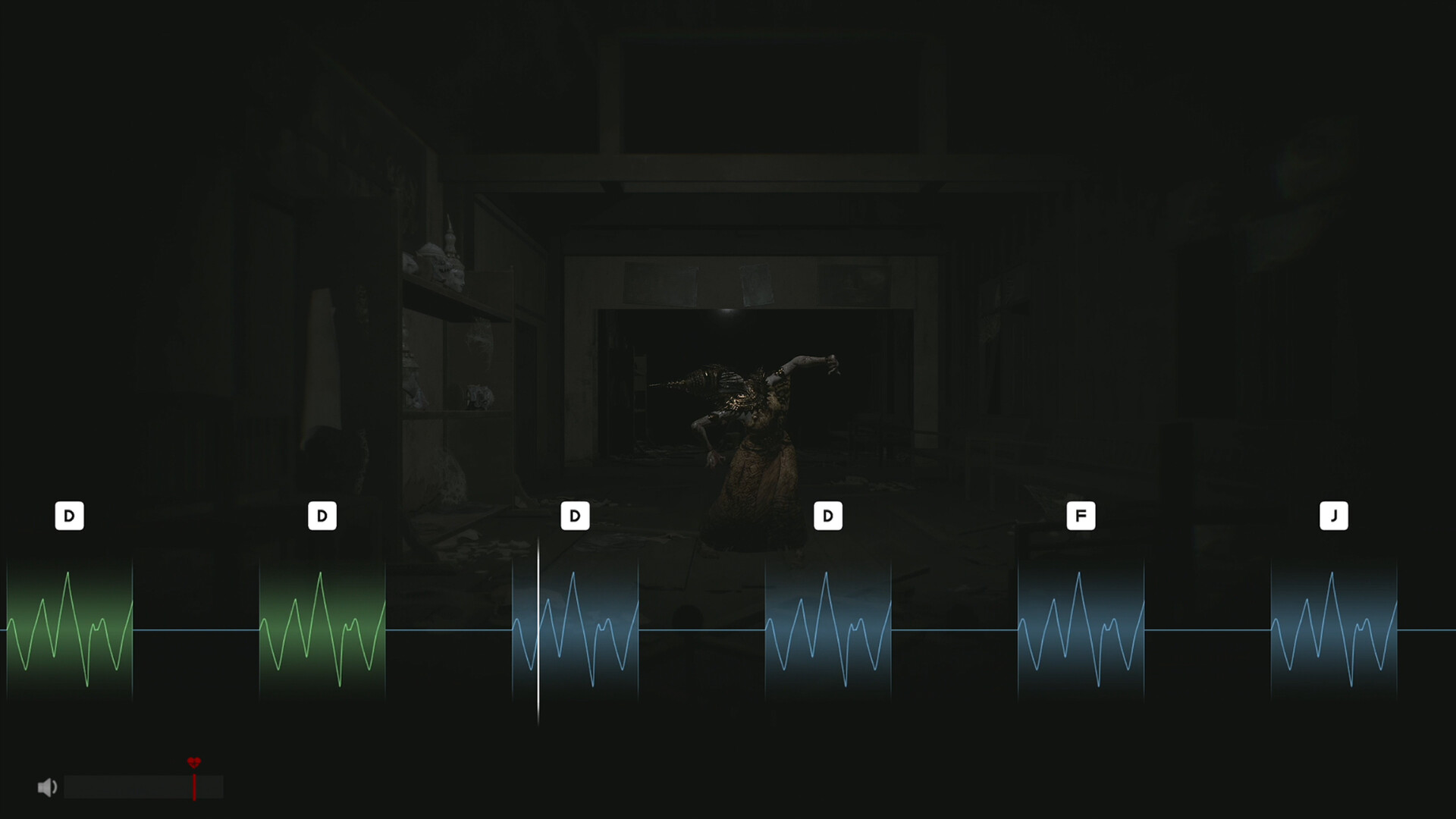
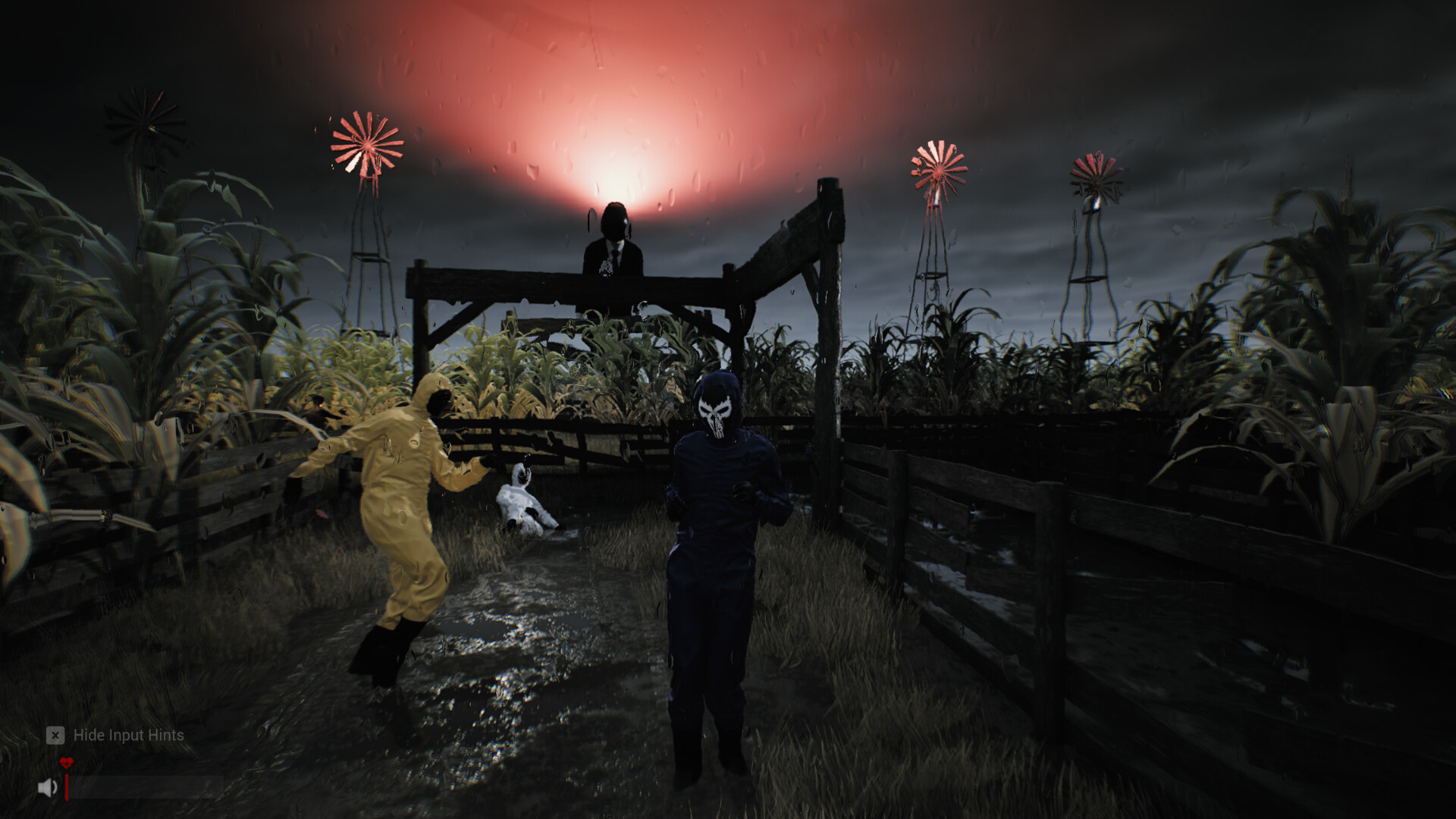
Official screenshots show a bottom-left HUD with a speaker icon (voice level) next to the heart icon, and one screenshot shows a six-block waveform interaction with the key prompts D D D D F J — voice is wired into interactions, not just chat.
Fix 1: pass the mic test the official way
The test has two named steps (studio support, quoted from their reply):
- Screaming Voice Setting — shout loud enough that the volume passes the red line.
- Normal Voice Setting — speak at a normal volume continuously for about 3 seconds, trying not to cross the red line.
If the countdown never drops, the game is not receiving your microphone input. Then:
- Check Windows sound settings: your mic must be the default input device, and Windows must allow apps to access it.
- Close the game fully and restart it after changing input devices.
- Make sure no other app has exclusive control of the microphone.
Fix 2: the two team-volume settings
If the mic test passes but you still can't hear each other, the studio's instructions are precise:
| Setting | What it controls | Set it to |
|---|---|---|
Voice From You to Team | How loudly teammates hear you | High or Very High |
Voice From Team to You | How loudly you hear teammates | High or Very High |
Then move the white level bar all the way to 100.
Fix 3: the OK button disappeared
On some resolutions the mic test's confirm button lands off-screen. The studio's official workaround is a Steam launch option:
- Steam → Library → right-click Sector 13: Haunted Woods → Properties → General → Launch Options.
- Paste:
-ResX=1920 -ResY=1080 -WINDOWED - Restart the game and redo the mic test, then set your proper 16:9 resolution afterwards.
Known quirks (reported, being worked on)
- Fainting without shouting: a Russian team reported teammates fainting while silent — the game misjudged their volume. The studio replied that microphone sensitivity and balance are still being tuned across different mic models.
- Threshold shortcut: players found that pulling the white bar to max makes the threshold trivially easy to pass, then lowering it fast and pressing OK works. The studio confirmed it will review the threshold and confirm-button logic — don't rely on it staying.
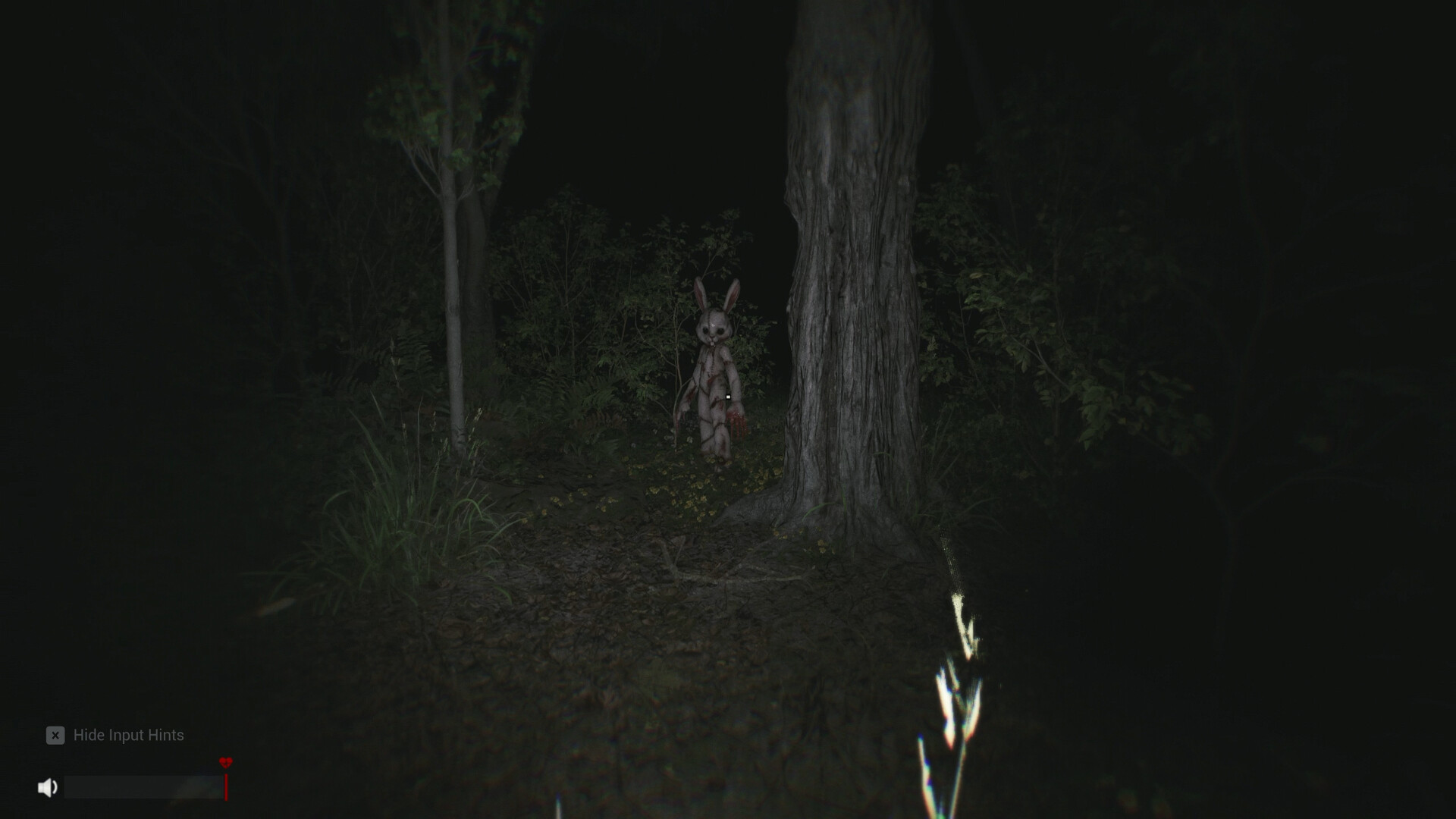
- Volume judgment at bears: screaming at wildlife does not reliably register as intended; another symptom of the sensitivity tuning in progress.
FAQ
Why does my voice chat say nothing while my mic works in other games?
The game reads the Windows default input device and its own in-game sliders. Set the mic as Windows default, allow mic access for apps, then raise both in-game voice sliders to High/Very High.
Can I turn my microphone off?
The store page does not list a push-to-talk option for the demo. Because noise is a gameplay mechanic, muting yourself in-game changes how the world reacts — treat hardware mute as your off switch and expect teammates not to hear you.
Does the full game fix voice chat?
The studio has said it is actively tuning sensitivity and investigating multiplayer voice reports ahead of the September 25, 2026 launch. Re-check this page after launch — the verification date at the bottom of every page moves when we re-verify.
Where do I report my own mic bug?
On the Steam discussion board — or send it to us via the contact page and we will track whether it gets an official reply.